Introducing the new Greenfield workflow in MySpec
Greenfield Workflows introduce a faster, more structured way to plan software from scratch, combining AI-guided discovery with reviewable specifications and implementation-ready outputs.
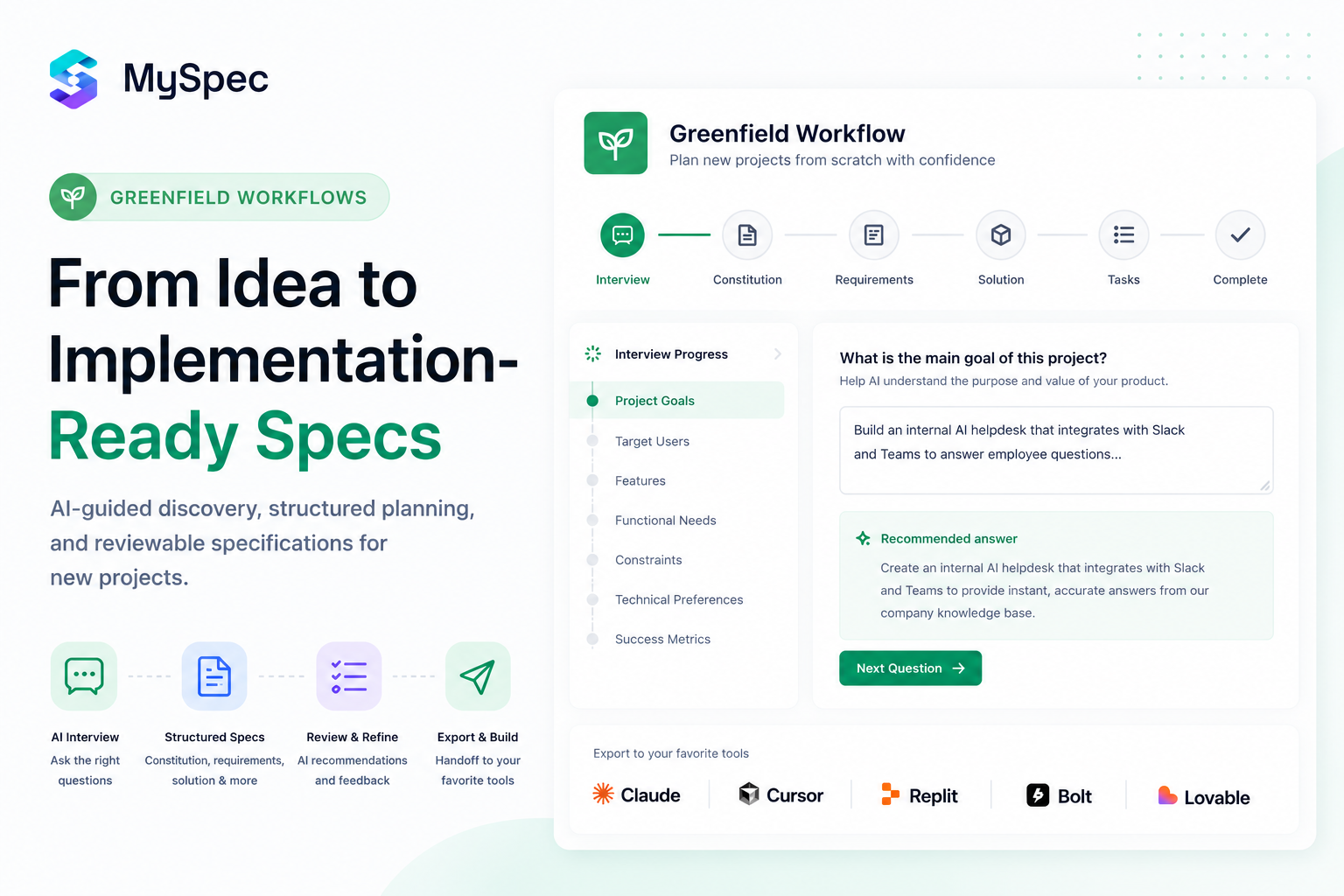
Building software has never been faster, but building the right software still depends on one thing: having a clear plan before development begins. While AI has dramatically accelerated coding, many projects still suffer from incomplete requirements, overlooked edge cases, inconsistent technical decisions, and specifications that quickly become outdated.
That's why we've completely redesigned the Greenfield experience in MySpec.
More than just generating specifications, Greenfield now provides a complete planning workflow for brand-new software projects. From setting up your workspace, choosing the right project workflow, and gathering project context through AI-guided interviews, to generating structured specifications, reviewing and refining requirements, managing projects and files, and seamlessly transitioning into development with your favorite AI coding tools, every step is designed to help developers, founders, product managers, QA engineers, business analysts, solution architects, IT and technology professionals, and construction professionals transform ideas into implementation-ready software with greater clarity and confidence.
In this post, we'll walk through the complete Greenfield workflow and explore how each stage works together to create better specifications before a single line of code is written.
Project Setup
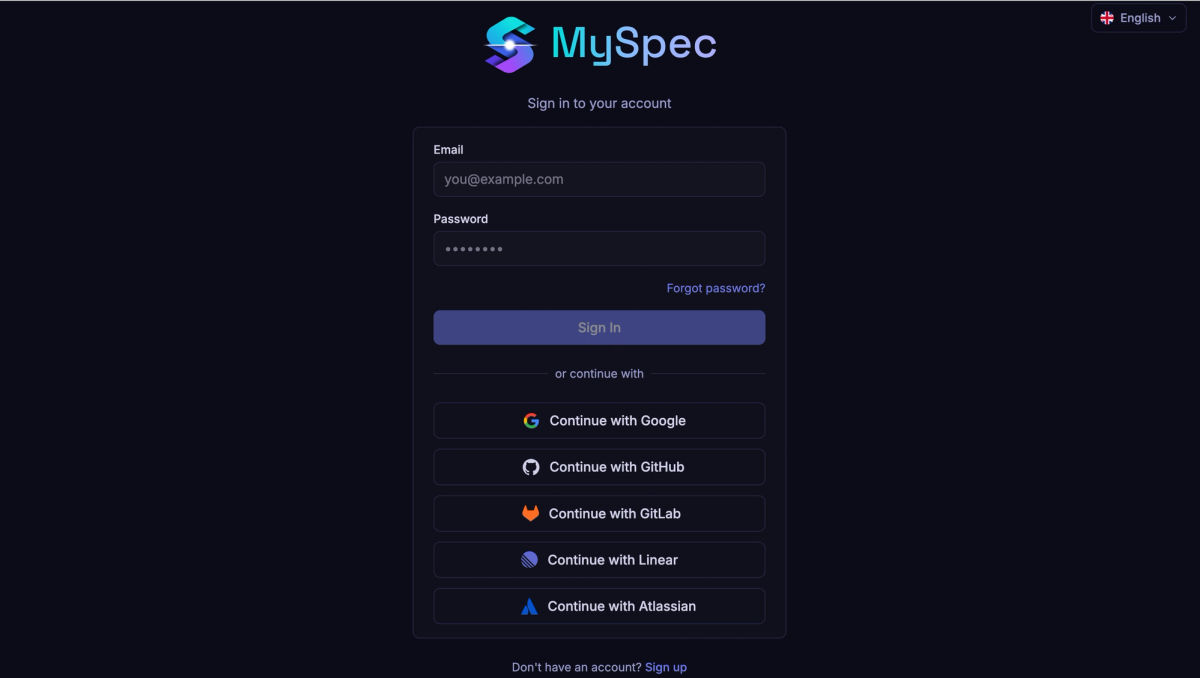
The Greenfield experience has been redesigned to make getting started simple, whether you're a developer, founder, product manager, QA engineer, business analyst, or technical professional. New users can create an account with email or continue instantly using Google, GitHub, GitLab, Linear, or Atlassian. During onboarding, MySpec walks users through accepting the Terms of Service, creating a workspace (or letting MySpec create one automatically), and selecting a role that personalises the experience around how they work.
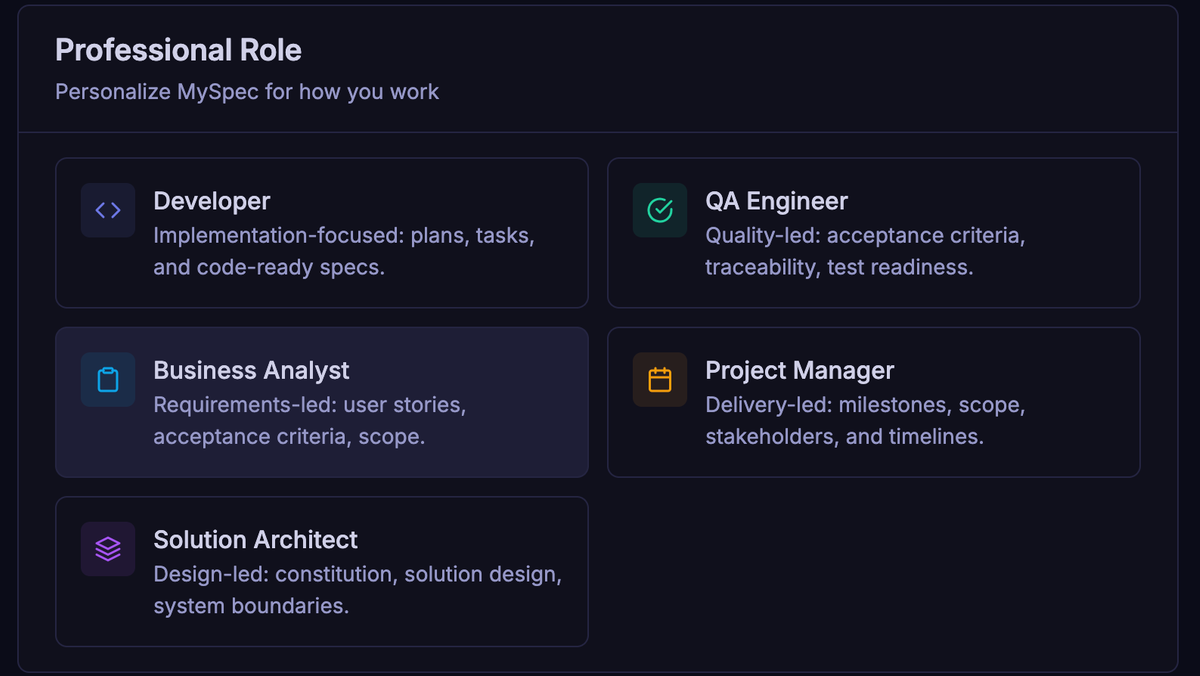
Every project in MySpec begins with a workspace designed to adapt to different teams and planning styles. Before creating a project, users can personalize their experience by selecting the role that best matches the way they work, including Developer, QA Engineer, Business Analyst, Project Manager, and Solution Architect. Each role highlights a different planning perspective, helping users focus on implementation, quality assurance, requirements, delivery, or system architecture. The workspace also supports multiple interface languages and both light and dark themes, allowing individuals and global teams to work in the environment they're most comfortable with.
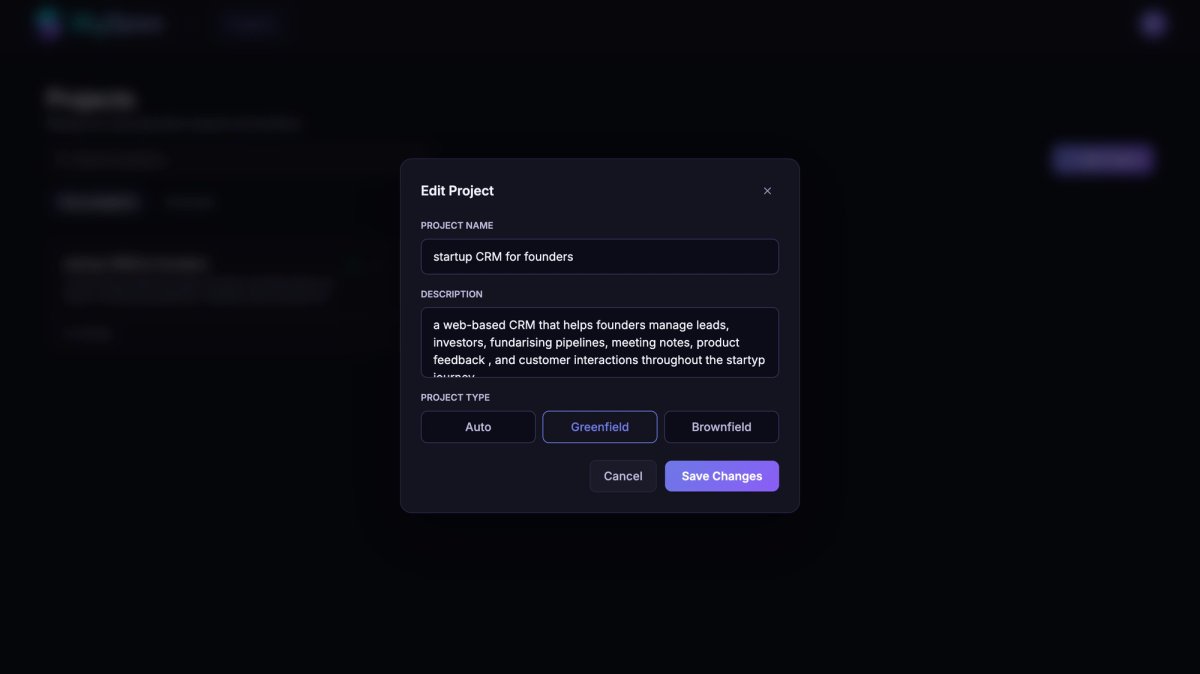
Creating a new project is equally flexible. Users can choose Greenfield for brand-new software, Brownfield for improving an existing codebase, or Auto to let MySpec recommend the most appropriate workflow. A simple project name and description are all that's needed to get started, while the selected workflow shapes the AI planning experience that follows.
As projects grow, MySpec provides built-in workspace management to keep everything organised. Projects can be searched, edited, renamed, archived, restored, or permanently deleted, making it easy to manage multiple specifications across different products. Specification files can also be renamed, organized into folders, moved to the trash, and restored whenever needed, ensuring documentation remains clean and manageable throughout the entire project lifecycle.
Choosing the Right Greenfield Workflow
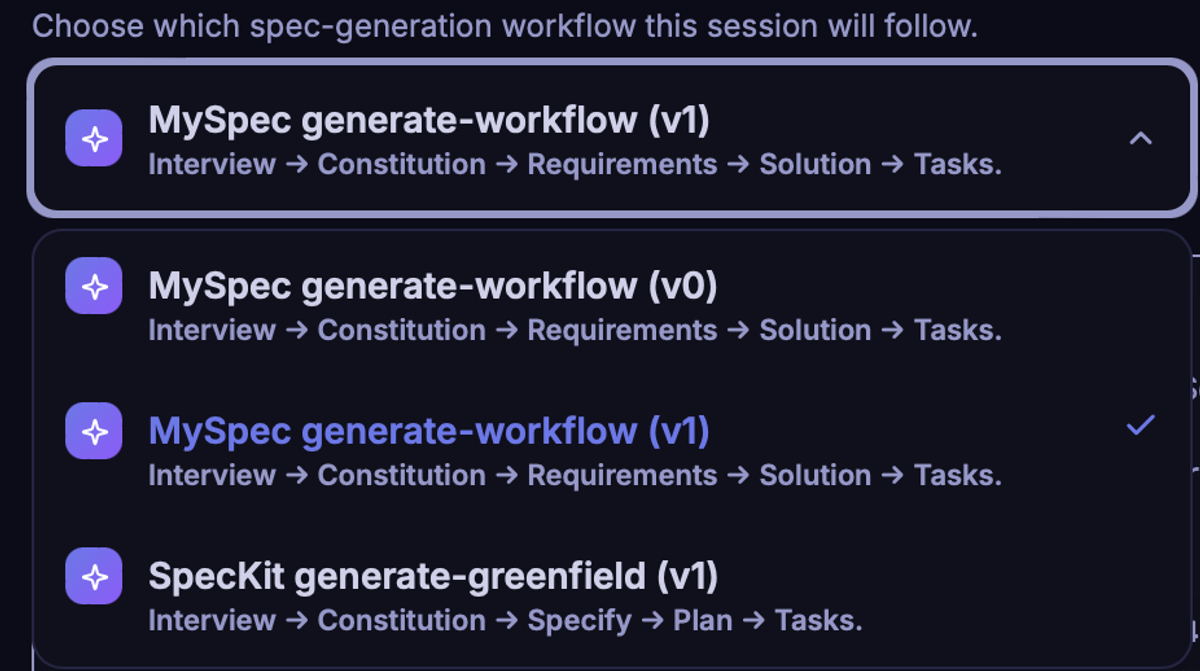
MySpec offers multiple Greenfield generation workflows, allowing teams to choose the planning methodology that best fits their product development process.
MySpec Generate Workflow (v0) is the original MySpec planning experience and remains available for teams that prefer the previous workflow or want consistency with existing projects. It follows the familiar Interview → Constitution → Requirements → Solution → Tasks structure while preserving the planning approach used in earlier versions of MySpec.
MySpec Generate Workflow (v1) builds on that foundation with an improved planning experience. While following the same core workflow, it introduces a more refined AI-guided interview, smarter recommendations, improved review workflows, and a smoother specification generation process. It is the recommended workflow for all new Greenfield projects.
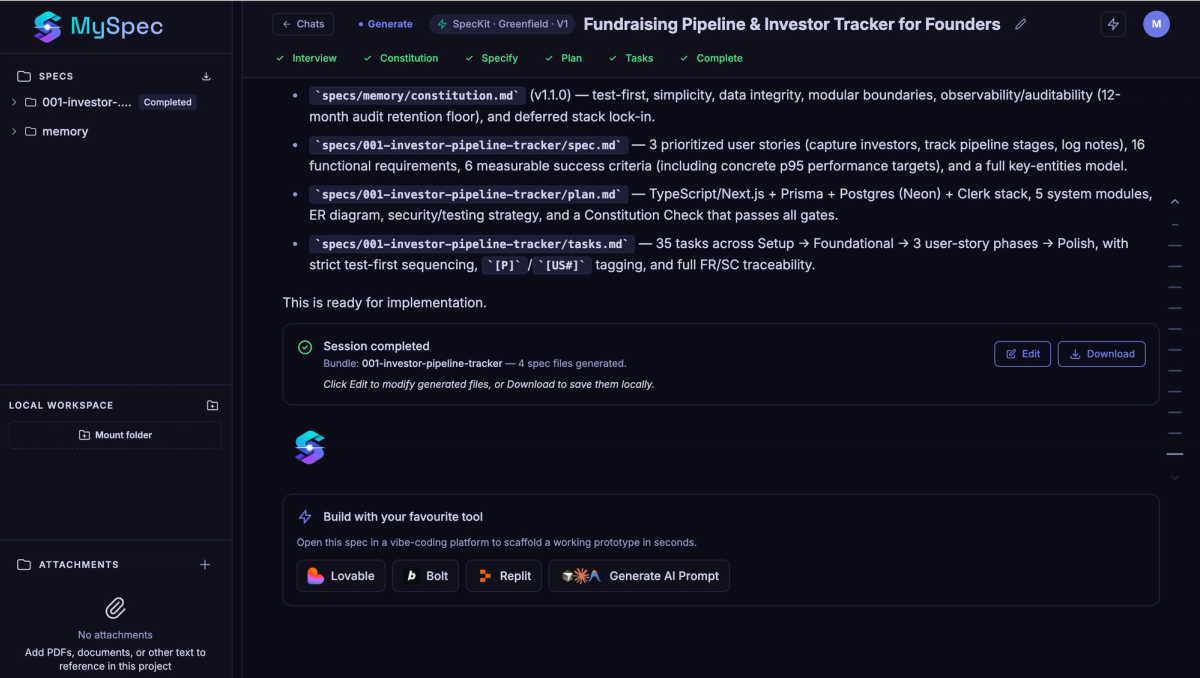
For teams adopting Spec-Driven Development (SDD), SpecKit Generate Greenfield (v1) provides a workflow aligned with the SpecKit methodology. Instead of generating Requirements and Solution, it follows the Interview → Constitution → Specify → Plan → Tasks process, making it ideal for engineering teams that already use SpecKit or require compatibility with its specification structure.
Whether you're continuing with a familiar workflow, adopting the latest MySpec experience, or following the SpecKit methodology, MySpec lets you choose the planning workflow that best fits the way your team builds software.
Generate Structured Specifications
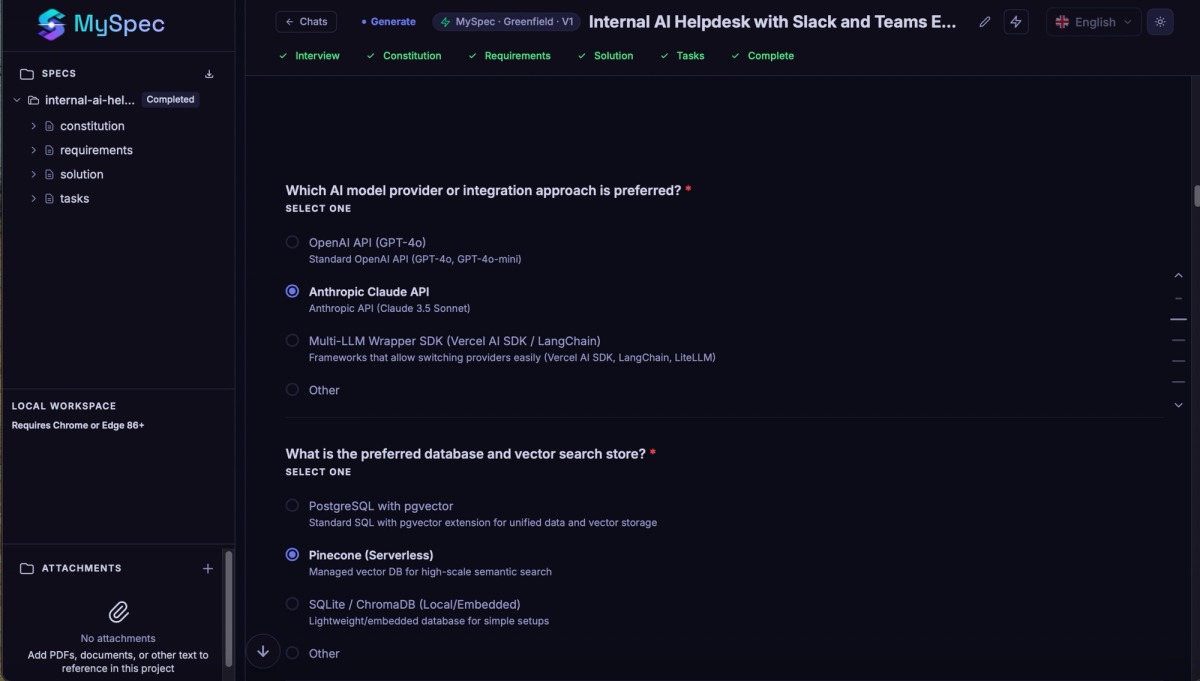
Once a project is created, MySpec begins turning ideas into implementation-ready specifications through an AI-guided workflow instead of asking users to write lengthy documentation themselves. The interview dynamically adapts to every answer, gradually uncovering business goals, user journeys, functional requirements, permissions, integrations, edge cases, technical constraints, and architectural decisions. Supporting documents can be attached throughout the conversation, existing project files can be referenced instantly, local folders can be mounted for additional context, and MCP tools can be connected whenever deeper project awareness is required. Users can also choose between multiple AI models, including Claude, GPT, and Gemini, depending on the workflow that best fits their project.
Rather than generating documents immediately, MySpec continuously validates the information it receives. Whenever requirements remain unclear, the interview automatically enters clarification rounds to eliminate ambiguity before any specification is produced. Every generated document then goes through an AI review process that evaluates completeness, consistency, traceability, requirement quality, and implementation readiness. If improvements are identified, MySpec provides detailed recommendations, allowing users to request changes, regenerate individual sections, answer follow-up questions, and iteratively refine each document until the specification reaches production quality.
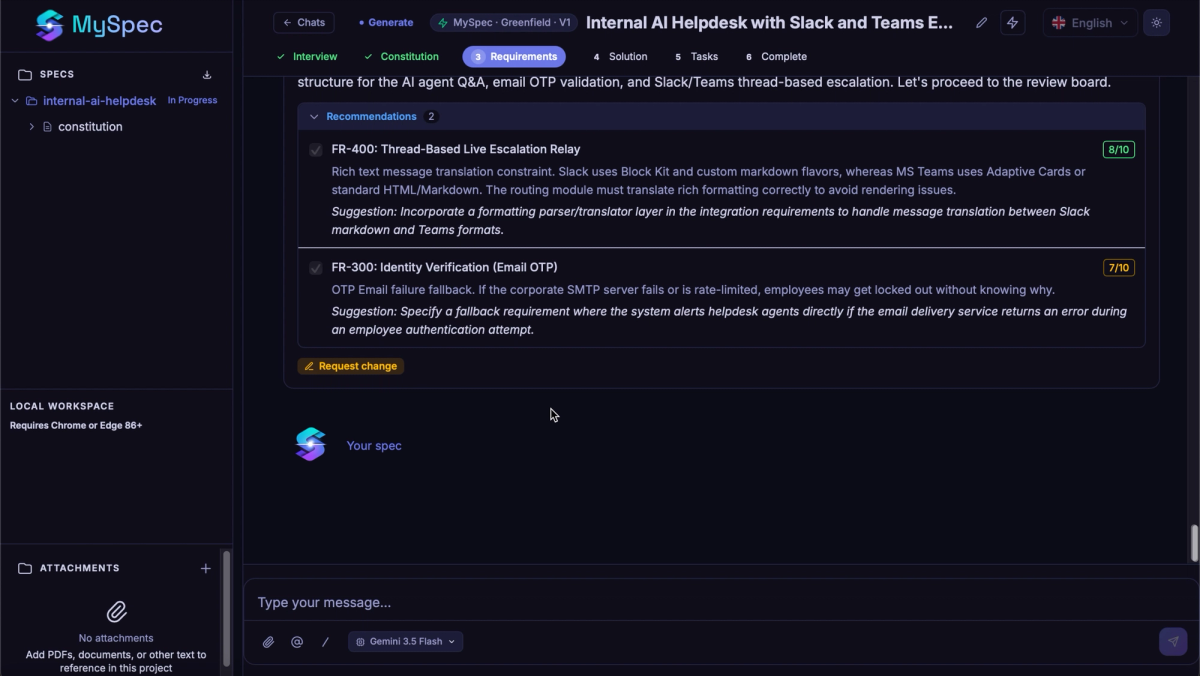
Instead of producing a single requirements document, Greenfield generates a complete specification bundle. Every project includes an Introduction that defines the product vision and scope, a Constitution that establishes engineering principles and architectural standards, comprehensive Requirements covering functional and non-functional behaviors, an implementation Plan, and structured Tasks that transform planning into actionable development work. Together, these documents create a complete source of truth before implementation begins.
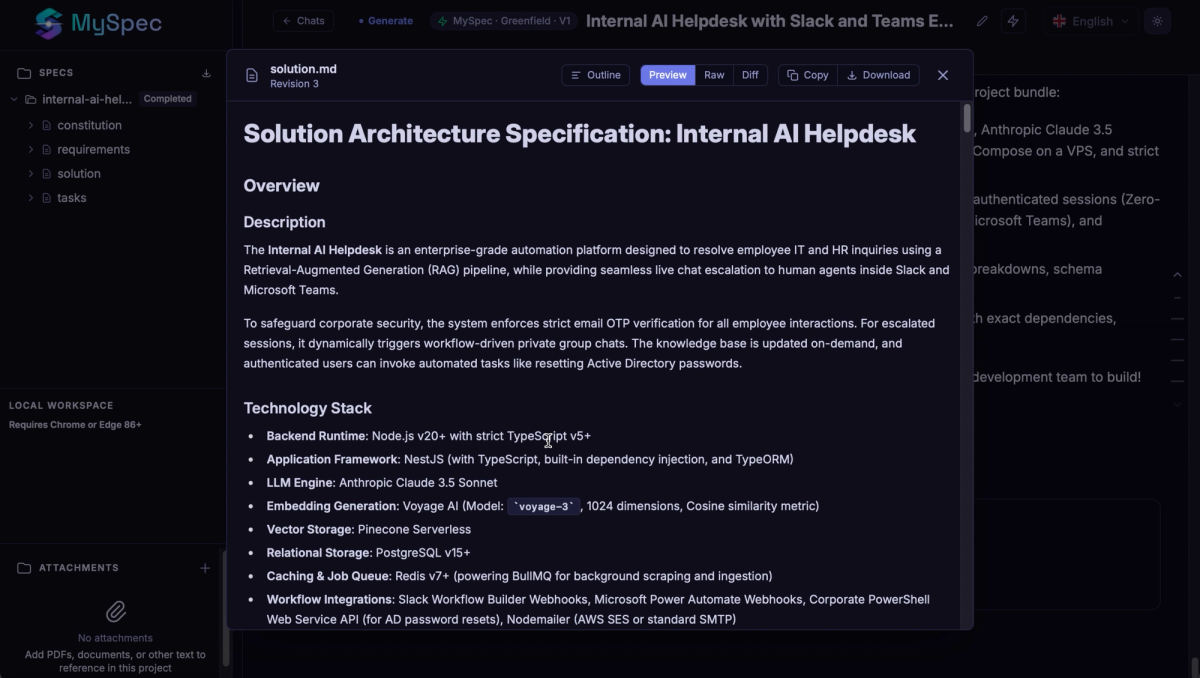
Each generated document is designed to be easy to review, navigate, and share. Users can switch between Outline, Preview, Raw, and Diff views depending on whether they want to browse the document structure, read the rendered specification, inspect the underlying Markdown, or compare revisions across versions. A built-in document outline and navigation panel allows teams to jump directly to any section, making it much easier to review large specifications without endless scrolling. Every document can also be copied or downloaded for collaboration outside MySpec.
When the specification is complete, every bundle is automatically organized within the project workspace. Individual files can be renamed, restored, or moved to the trash as requirements evolve, while projects themselves can be edited, archived, restored, or deleted whenever teams need to reorganize their work. This allows specifications to grow alongside the product instead of becoming static documents that are quickly forgotten.
Build with Your Favorite AI Coding Tools
Planning doesn't end when the specification is complete. MySpec makes it easy to move directly into implementation by exporting your work to popular AI coding platforms such as Lovable, Bolt, and Replit, or by generating optimized AI prompts for your preferred coding assistant. Instead of starting from scattered notes or repeated prompts, builders can begin development with structured specifications that are already aligned, reviewed, and ready for implementation. The result is a faster transition from idea to working software while maintaining consistency throughout the entire development process.
And there's more
The Greenfield workflow is only one part of MySpec. Alongside support for Brownfield projects, MySpec is expanding with new capabilities to help builders, developers, founders, and technical teams create higher-quality software specifications before a single line of code is written. The best way to understand the workflow is to experience it yourself.