Introducing the Brownfield workflow in MySpec
Discover how MySpec's new Brownfield Workflows help teams understand existing software, plan changes with AI, and generate implementation-ready specifications without losing project context.
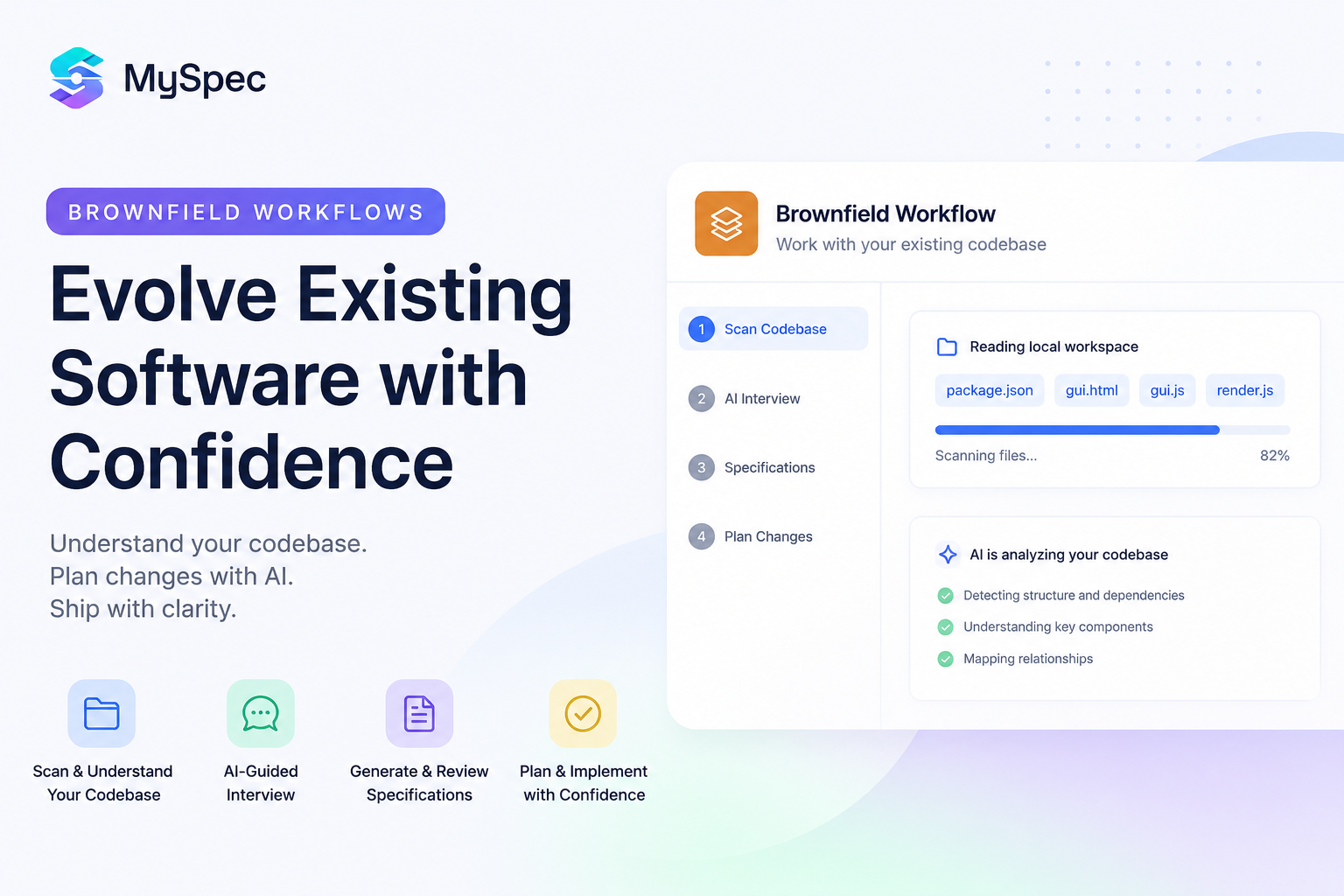
Most software isn't built from scratch. It's continuously improved through new features, bug fixes, performance optimisations, and evolving business requirements. While MySpec has helped developers, founders, IT professionals, and construction teams turn ideas into build-ready specifications with our Greenfield workflow, many users wanted the same structured experience for existing projects.That's why we're introducing Brownfield Workflows, a new way to plan and document changes to software that's already in production.Starting from your existing specifications, MySpec guides you through an AI-powered workflow that helps you understand the requested change, generate structured documentation, review every revision before it's applied, and produce implementation-ready specification bundles that your team or AI coding assistants can immediately use.In this article, we'll walk through the complete Brownfield experience, from editing existing specs and AI-guided change discovery to reviewing revisions and exporting your final specification bundle.
Project Setup
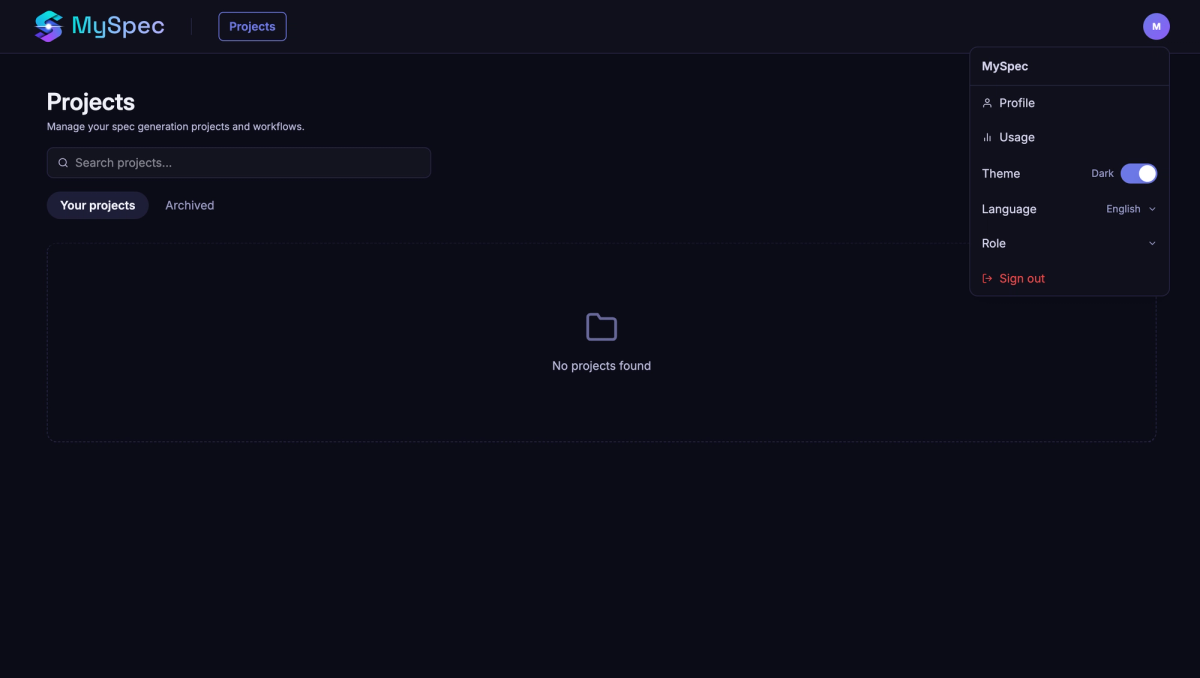
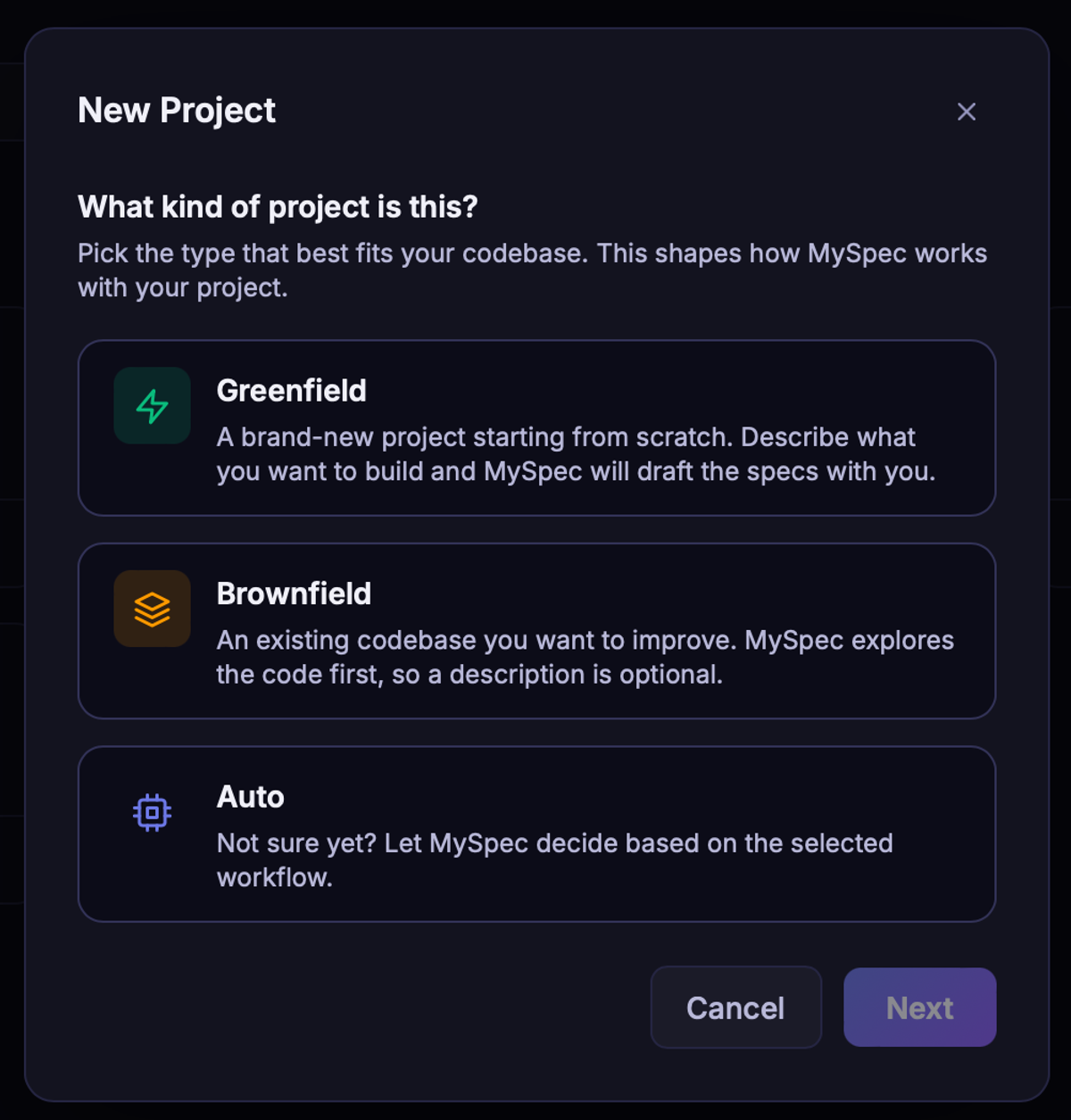
Every project in MySpec begins with a workspace designed to adapt to different teams and planning styles. Before creating a project, users can personalize their experience by selecting the role that best matches the way they work, including Developer, QA Engineer, Business Analyst, Project Manager, and Solution Architect. Each role highlights a different planning perspective, helping users focus on implementation, quality assurance, requirements, delivery, or system architecture. The workspace also supports multiple interface languages and both light and dark themes, allowing individuals and global teams to work in the environment they're most comfortable with.Creating a new project is equally flexible. Users can choose Greenfield for brand-new software, Brownfield for improving an existing codebase, or Auto to let MySpec recommend the most appropriate workflow. A simple project name and description are all that's needed to get started, while the selected workflow shapes the AI planning experience that follows.As projects grow, MySpec provides built-in workspace management to keep everything organised. Projects can be searched, edited, renamed, archived, restored, or permanently deleted, making it easy to manage multiple specifications across different products. Specification files can also be renamed, organized into folders, moved to the trash, and restored whenever needed, ensuring documentation remains clean and manageable throughout the entire project lifecycle.
Choosing the Right Brownfield Workflow
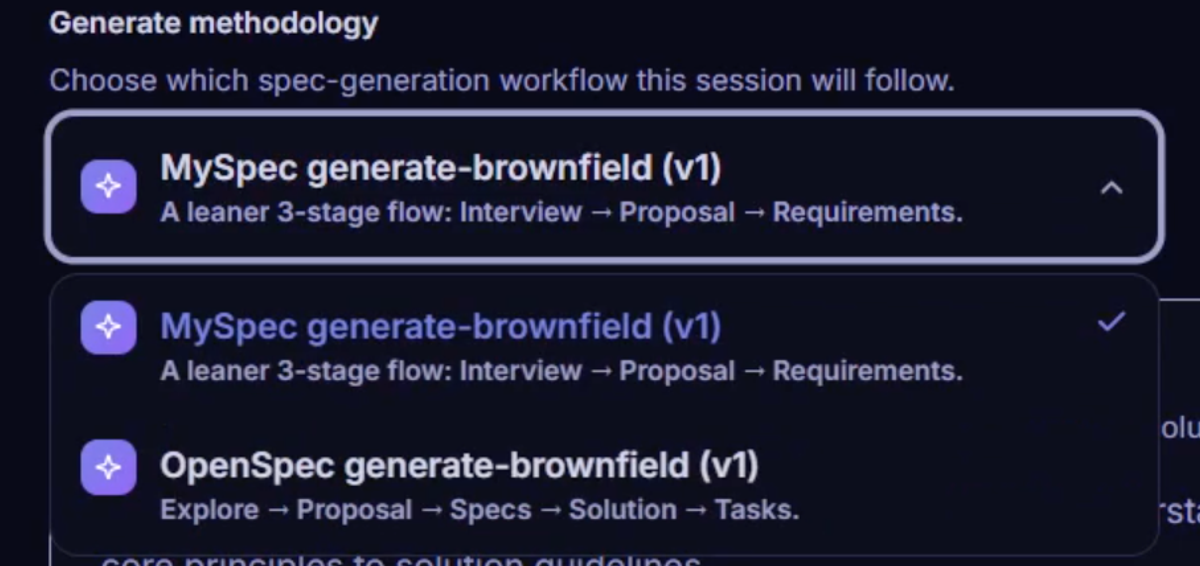
Brownfield offers two workflows to support different planning needs, allowing teams to choose the approach that best matches the scope and complexity of their project.
MySpec Generate-Brownfield (v1) is designed for teams that want to quickly understand and document a requested change. Its streamlined workflow focuses on Interview, Proposal, and Requirements, making it ideal for feature enhancements, bug fixes, and incremental updates where fast iteration is the priority.
For projects that require deeper technical planning, OpenSpec Generate-Brownfield (v1) provides a more comprehensive workflow. In addition to exploring the existing system, it generates Specs, Solution, and implementation Tasks, making it a better fit for large-scale features, architectural changes, legacy modernization, and cross-team engineering projects.
Whether you need a lightweight planning workflow or a complete specification process, Brownfield allows you to choose the level of structure that best supports your development workflow.
AI-guided Change Planning for Existing Projects
Once you've selected a Brownfield workflow, MySpec begins by understanding the project before proposing any changes.
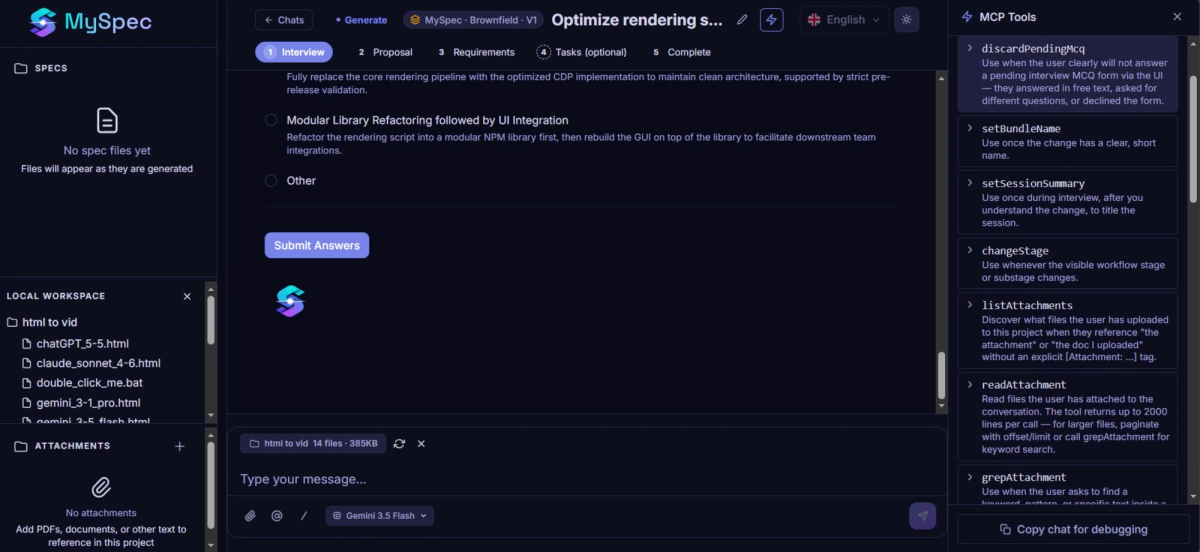
Instead of asking you to explain the entire system again, MySpec first reads your connected Local Workspace through Model Context Protocol (MCP), allowing the AI to securely access your project's existing context instead of relying solely on manual descriptions. By analysing relevant project files, existing specifications, and supporting documentation, MySpec generates more accurate interviews, recommendations, and specification bundles that reflect how your system is actually built. Behind the scenes, MySpec leverages a growing set of MCP tools to intelligently discover relevant specifications, inspect project files, retrieve supporting documentation, and focus only on the parts of the codebase related to the requested change. This ensures every planning decision is grounded in real project context rather than generic assumptions.
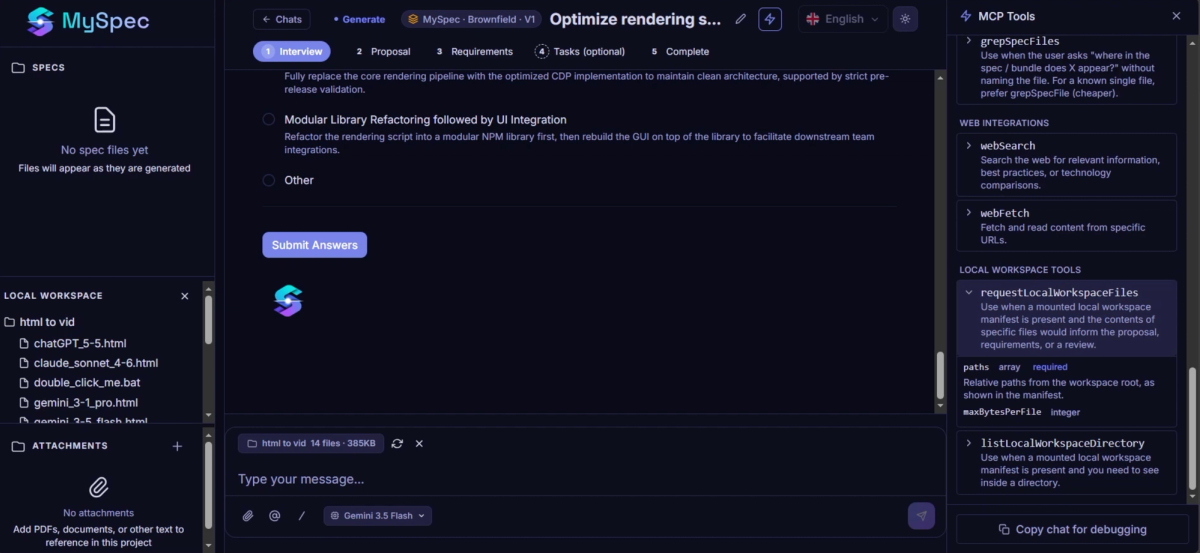
With the existing project loaded, MySpec starts an AI-guided interview focused only on the requested change. Rather than collecting generic requirements, every question is designed to clarify the scope, constraints, and expected outcome of the update. For each question, users can either choose from multiple suggested answers, select Recommended options highlighted by the AI, or provide a completely custom response through Other. Each answer is submitted individually, allowing the conversation to evolve naturally while keeping the requested change focused and well-defined.
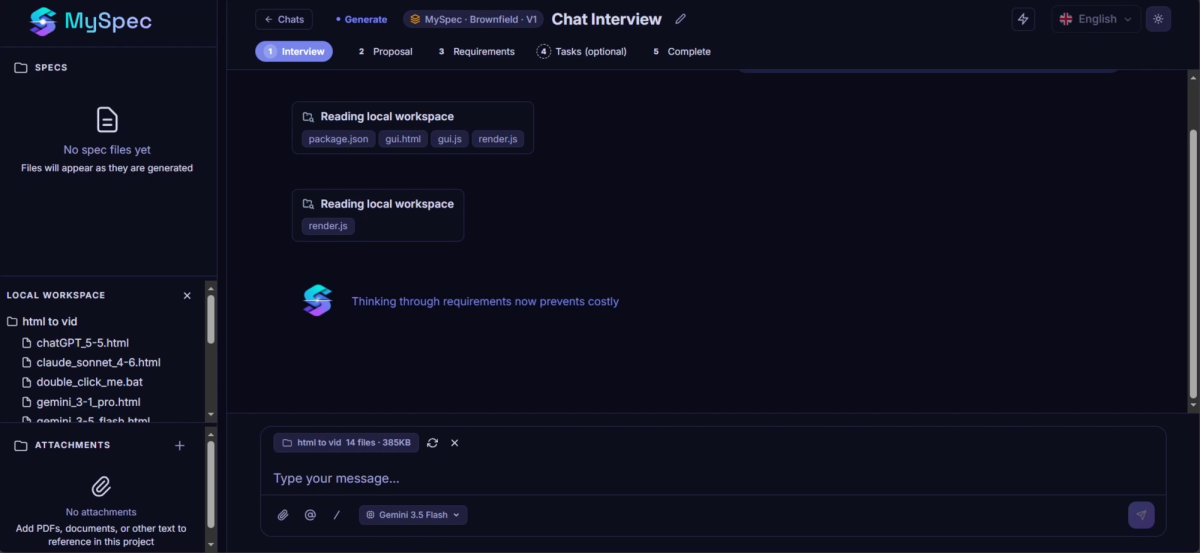
Once enough context has been collected, MySpec transforms the discussion into a structured implementation workflow consisting of Proposal, Requirements, and optionally Tasks.The Proposal stage defines the overall change strategy, what should be modified, and why. The Requirements stage converts those decisions into structured functional and non-functional requirements that fit the existing architecture instead of replacing it. If implementation planning is needed, users can continue to the optional Tasks stage, where MySpec generates a detailed execution roadmap broken down into concrete implementation steps.
Every stage follows the same review-first workflow before moving forward. Generated documents are never applied automatically. Instead, users review each revision and decide whether to Approve it or Request Changes. If additional refinement is needed, MySpec immediately generates a new revision while preserving the existing review history, allowing changes to evolve incrementally instead of overwriting previous work.
Throughout Proposal, Requirements, and Tasks, MySpec continuously evaluates the generated specifications and surfaces AI Recommendations with priority scores, helping users quickly identify improvements, inconsistencies, or areas that deserve additional attention before continuing.
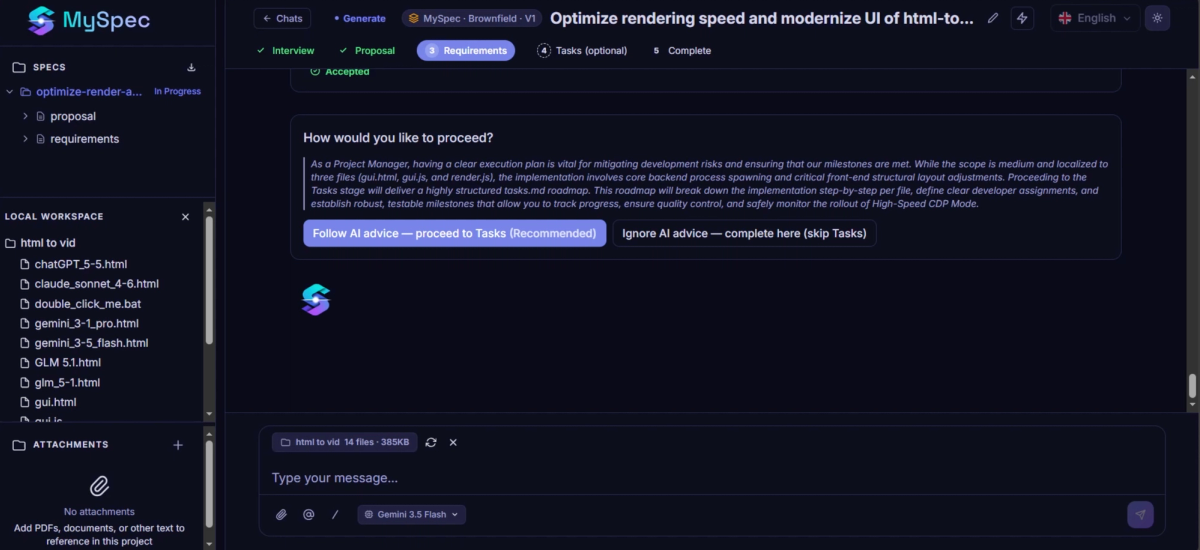
When reaching the optional Tasks stage, MySpec doesn't simply ask whether you'd like to continue. Instead, it analyzes the complexity of the requested change and provides an AI recommendation through "How would you like to proceed?". If implementation planning would provide significant value, MySpec recommends continuing to generate a structured task roadmap. Otherwise, users can choose to finish immediately without generating implementation tasks.
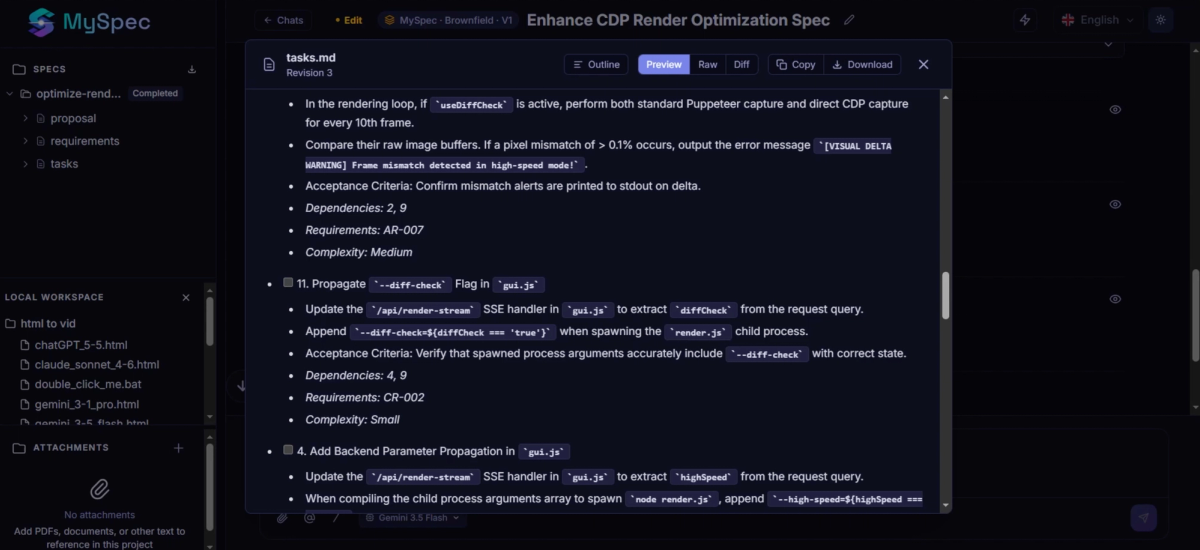
Like every specification generated in MySpec, each document remains fully explorable throughout the workflow. Users can switch between Outline, Preview, Raw, and Diff views to inspect the specification from different perspectives, while Copy and Download actions make it easy to reuse or share the generated documents at any stage.
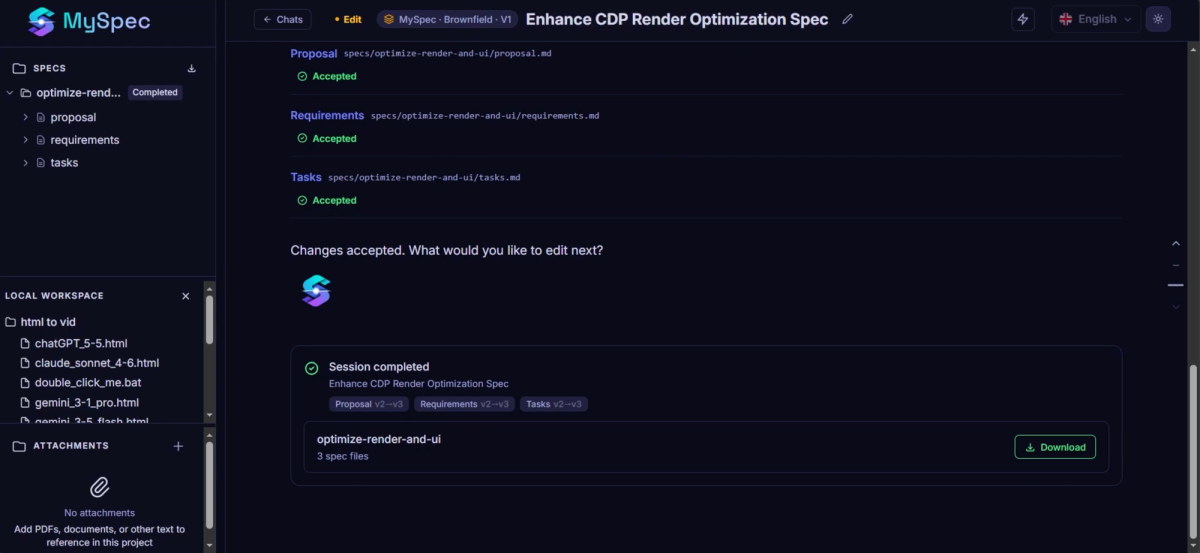
Once every revision has been approved, the session can be completed. MySpec packages the updated specification bundle and provides everything needed to continue implementation. Users can edit the final output if additional refinement is required, download the complete specification bundle, or generate an AI Prompt specifically prepared for coding assistants such as Cursor, Claude, Copilot, or other AI development tools. The prompt references the approved Proposal, Requirements, and Tasks documents, instructing the coding assistant to apply the requested changes while preserving the existing architecture, conventions, and design patterns of the current project instead of treating it as a brand-new application.
Conclusion
Most software teams spend far more time evolving existing systems than building brand-new ones. New features, performance improvements, bug fixes, and changing business requirements all depend on understanding what already exists before introducing something new. That's exactly what Brownfield Workflows are designed for.Instead of starting from a blank page, MySpec helps teams safely evolve existing software through AI-guided change planning, reviewable specification updates, and implementation-ready documentation that preserves the architecture, context, and decisions already in place. Whether you're adding a feature, refining requirements, optimizing an existing module, or modernizing a mature product, Brownfield keeps every change structured, traceable, and ready for implementation.Together with Greenfield Workflows, MySpec now supports both ends of the software lifecycle, from turning new ideas into build-ready specifications to continuously improving production systems with confidence.